
← All brands

Home theater projectors · Richmond, Virginia

Contact showroom

JVC projectors.
A bigger way
to watch.

Bring movies, concerts, and games to the big screen. Explore JVC laser projectors with Audio Exchange, and plan the projector, screen, placement, and picture setup around your room.

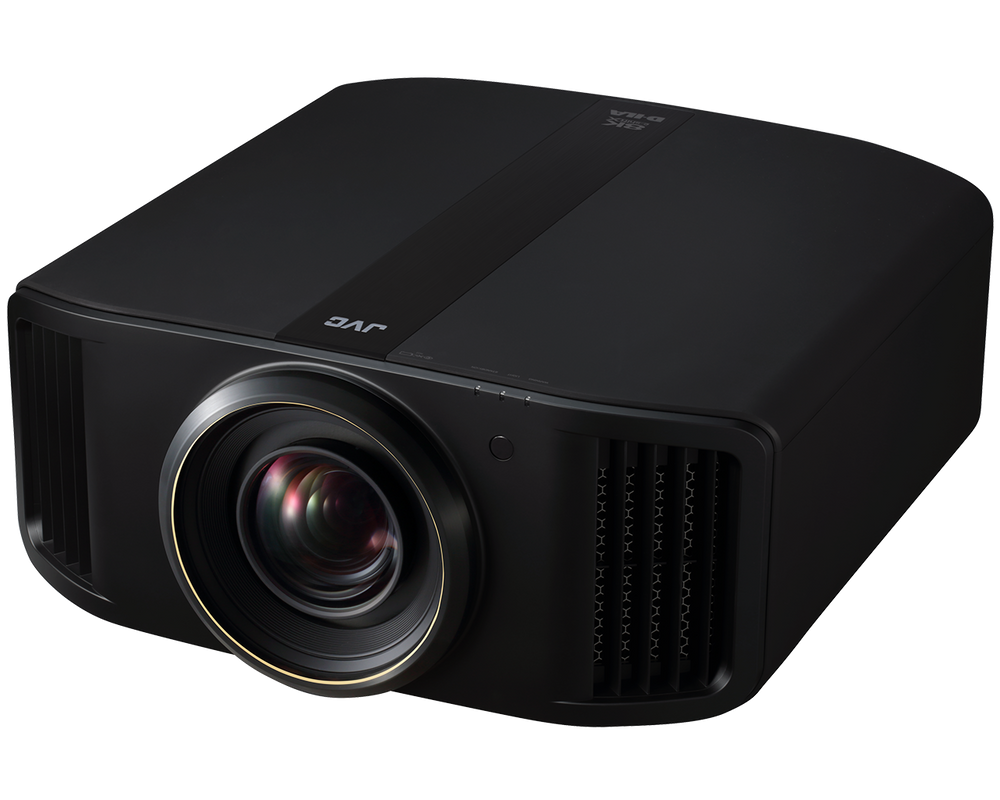
JVC DLA-RS4200 D-ILA home theater projector
DLA-RS4200 shown · Projector, screen & room planning

Find the projector that fits the picture.

Start with the room, screen, viewing habits, and installation position. JVC’s D-ILA Reference and Procision model names are shown together by tier below, followed by the DLP option for media rooms and gaming. We’ll confirm the exact model and current availability when quoting.

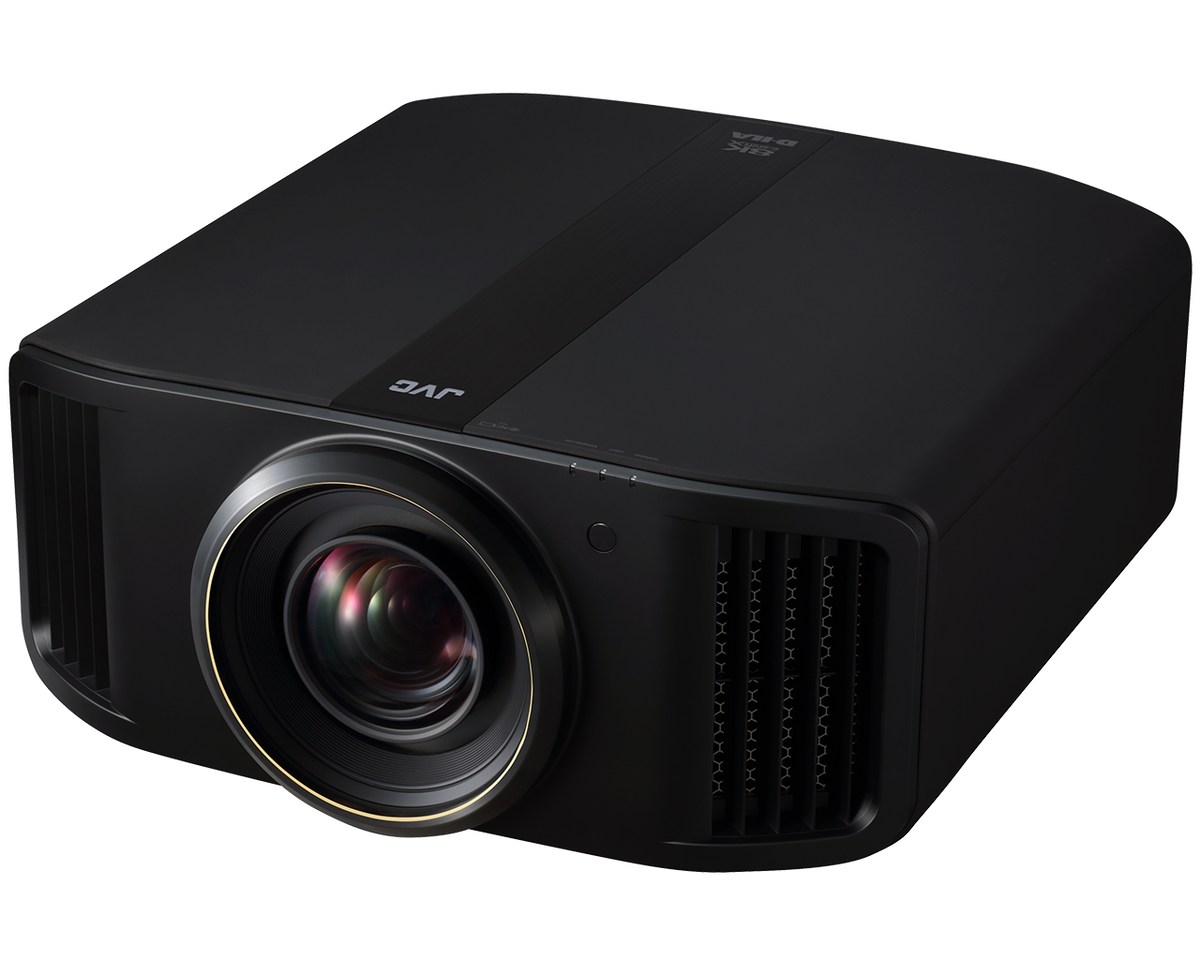
DLA-RS1200 / DLA-NZ500

Compact native 4K D-ILA · 2,000 lm

DLA-RS1200 / DLA-NZ500

A compact entry into JVC’s native 4K laser D-ILA range, with a manufacturer-rated 2,000 lumens, 40,000:1 native contrast, and Gen2 Frame Adapt HDR. Motorized lens controls help tailor the image to the installation.

A starting point for a room built around film and TV viewing. We’ll confirm screen size, light control, throw distance, and placement. RS1200 shown.

Discuss this projector ↗
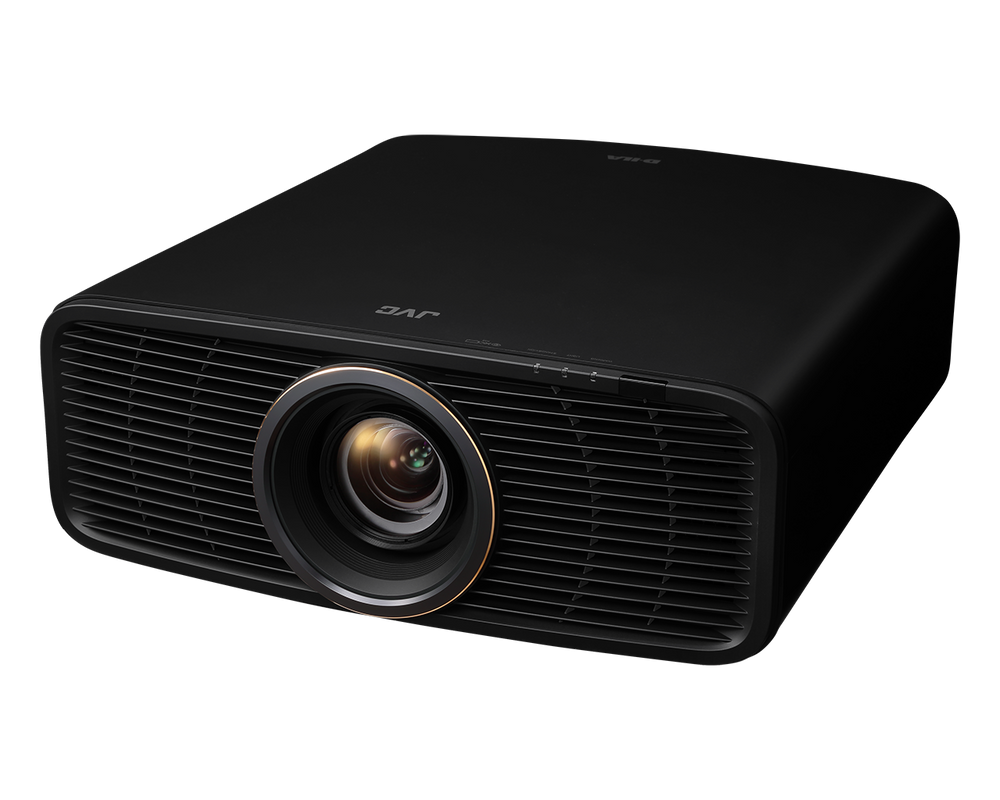
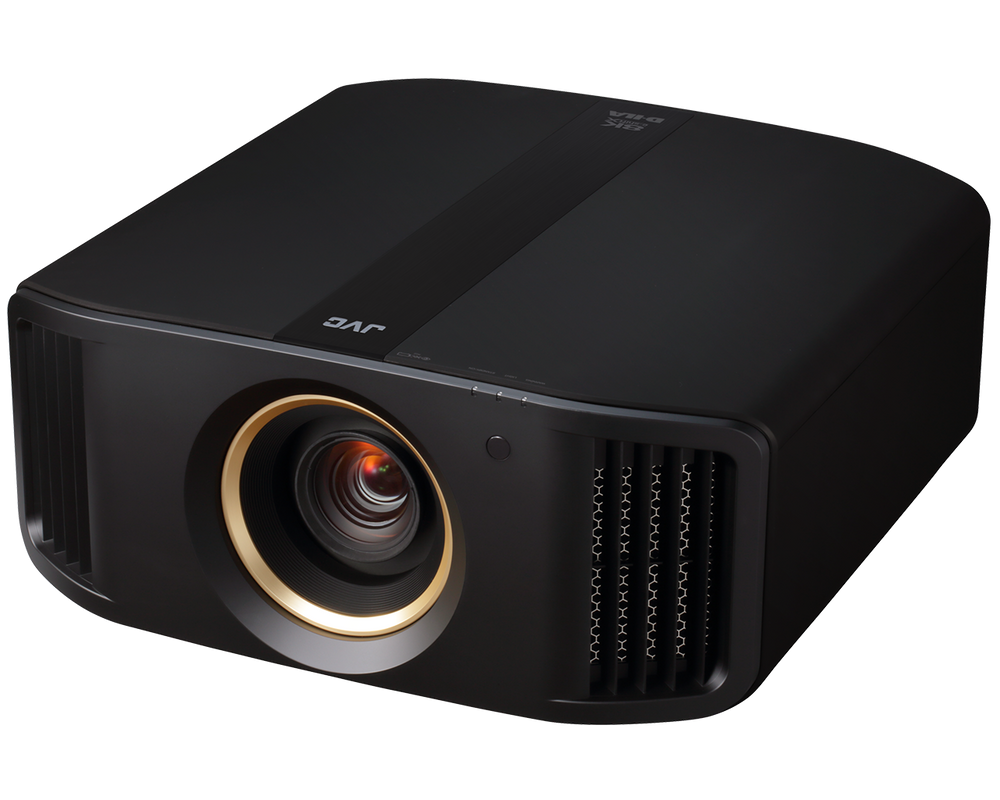
DLA-RS2200 / DLA-NZ700

Compact native 4K D-ILA · 2,300 lm

DLA-RS2200 / DLA-NZ700

Step up within the compact chassis to a rated 2,300 lumens and 80,000:1 native contrast. A cinema filter expands color-gamut capability, while Gen2 Frame Adapt HDR adjusts HDR10 material for projection.

Compare this tier when contrast and color are priorities. We’ll account for screen gain, image size, and picture mode when planning brightness. RS2200 shown.

Discuss this projector ↗
DLA-RS3200 / DLA-NZ800

D-ILA with 8K e-shiftX · 2,700 lm

DLA-RS3200 / DLA-NZ800

Native 4K D-ILA panels work with second-generation 8K e-shiftX, alongside a rated 2,700 lumens and 100,000:1 native contrast. This tier supports 8K60 and 4K120 input, plus 3D with the required accessories.

Consider for a dedicated theater or high-frame-rate 4K gaming. It uses native 4K panels with pixel shifting for 8K display. RS3200 shown.

Discuss this projector ↗
DLA-RS4200 / DLA-NZ900

Flagship D-ILA · 3,300 lm

DLA-RS4200 / DLA-NZ900

The flagship tier combines a rated 3,300 lumens and 150,000:1 native contrast with a 100 mm all-glass lens. Native 4K panels, Gen2 8K e-shiftX, and 8K60/4K120 inputs support an ambitious theater design.

We’ll assess the screen, required light output, lens position, mounting, and room conditions to determine whether this tier is the right match. RS4200 shown.

Discuss this projector ↗
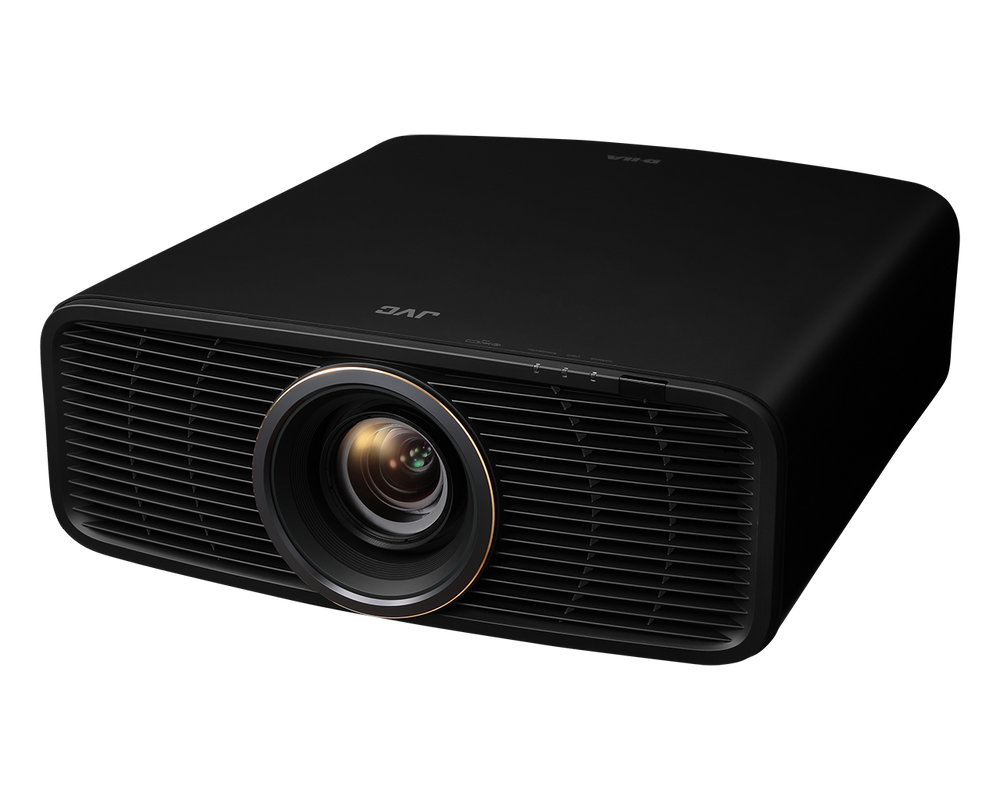
LX-NZ30B

4K UHD DLP laser · Media rooms & gaming

LX-NZ30B

A separate DLP platform with a rated 3,300 lumens, 4K UHD image display, and HDR10/HLG support. Low-latency operation and support for up to 1080p240 input make it worth comparing for gaming as well as general entertainment.

This model uses XPR DLP technology, distinct from native 4K D-ILA. Its 4K input tops out at 60 Hz; high-refresh 240 Hz operation is at 1080p. Screen and room planning still matter.

Discuss this projector ↗
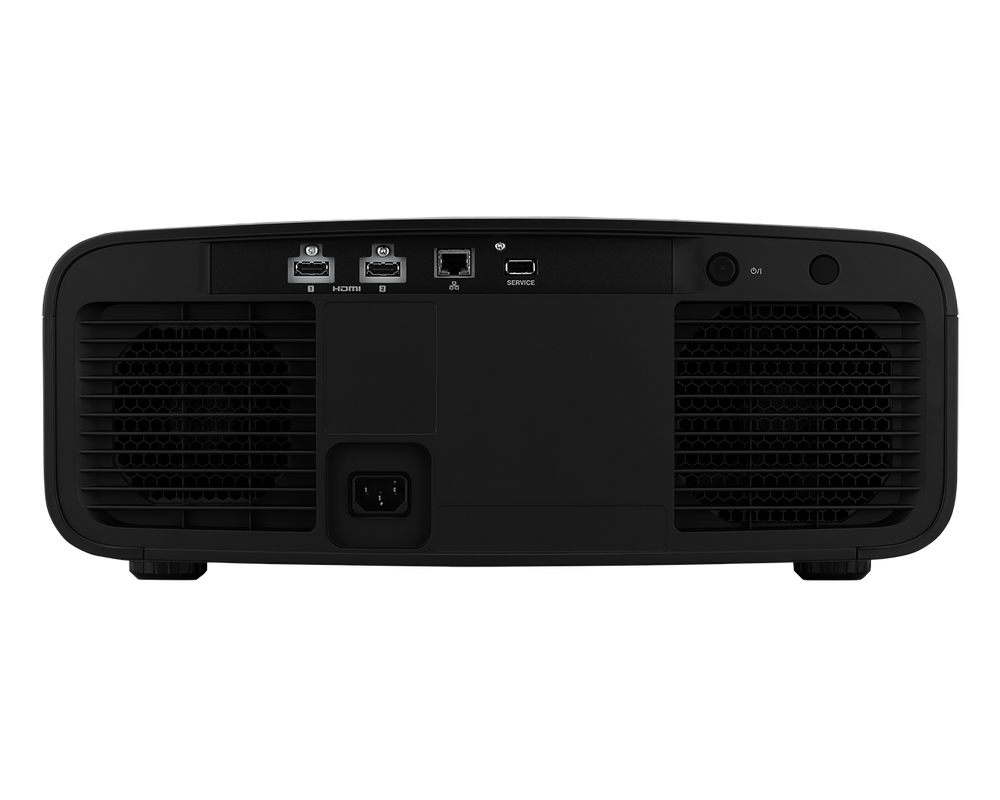
Rear connections and ventilation on a compact JVC D-ILA projector

A projector is part of a room

Great projection
begins with the plan.

Screen size is only the starting point. We’ll work through throw distance, lens shift, mounting, screen material, room lighting, and the full signal path before recommending a model. An existing projector mount does not guarantee a new projector will fit the same screen.

Screen & room lighting

Choose screen size, aspect ratio, material, and gain around seating and room conditions. Projector lumen ratings are not the same as calibrated brightness on your screen.

Throw distance & lens shift

Measure from the lens to the screen and check the exact model’s zoom and lens-shift limits. Mounting height, lens offset, and projector depth affect what will fit.

Mounting, airflow & cabling

Plan a suitable mount, structural attachment, service access, power, and ventilation. Check the HDMI cable path and bandwidth through every source and AV component.

HDR setup & calibration

Set picture modes and HDR processing for the screen and room. Confirm current firmware, source settings, and the measurement or calibration work included in the project.

Audio Exchange · Richmond

From room measurements to the final picture.

  1. Measure the room

    Share the screen dimensions, seating distance, proposed lens-to-screen distance, and mounting height. Photos or a floor plan help us assess the installation.

  2. Match the projector & screen

    Compare suitable models, screen materials, placement, signal requirements, and any retained equipment. We’ll confirm current availability and a tailored quote.

  3. Define installation & setup

    Agree on mounting, wiring, control, picture setup, and calibration scope. Confirm image geometry, source switching, HDR operation, and any gaming requirements at handover.

Explore home theater design & installation ↗

Before you choose.

Are JVC’s 8K e-shiftX projectors native 8K?

The D-ILA models featured here use native 4K panels. RS3200/NZ800 and RS4200/NZ900 add 8K e-shiftX, which shifts the image in four directions to produce an 8K display. RS1200/NZ500 and RS2200/NZ700 remain native 4K without e-shiftX. LX-NZ30B uses a different XPR DLP architecture.

Why are RS and NZ model names shown together?

JVC offers Reference and Procision names across corresponding projector tiers. The paired names help you recognize the range when researching. We’ll confirm the exact model, supplied accessories, current terms, pricing, and availability on your quote.

Can I use my existing screen and ceiling mount?

Possibly, but the fit needs to be checked for the exact projector. Send us the screen model and dimensions, lens-to-screen distance, mounting height, and current mount details. We’ll review throw distance, zoom, lens shift, weight, bracket compatibility, ventilation, and service access before recommending a replacement.

Which models should I consider for gaming or 3D?

RS3200/NZ800 and RS4200/NZ900 support 4K120 input and 3D; compatible 3D glasses and an emitter are required. The compact RS1200/NZ500 and RS2200/NZ700 support up to 4K60 and do not offer 3D. LX-NZ30B supports up to 4K60 or 1080p240. We’ll check the source, AV electronics, and cabling needed for the desired signal.

Do I need an external video processor?

The D-ILA range includes Frame Adapt HDR processing. Whether an external processor adds value depends on your sources, screen format, calibration goals, and system design. We can discuss the projector’s own capabilities first, then assess external processing where it serves a clear purpose.

How do I get a quote or arrange a demonstration?

Contact Audio Exchange in Richmond with your room details and the models you are considering. We’ll confirm current demonstration options, model availability, projector and screen matching, and the installation or calibration services appropriate to your project.

Personal advice. A tailored quote.

Let’s plan your JVC projection system.

Tell us about the room, screen, viewing distance, and where the projector can be installed. Include any equipment you want to retain, along with your priorities for movies, sports, or gaming.

Call (804) 282-0438Visit Audio Exchange ↗

6007 Broad Street · Richmond, VA 23230

Contact our showroom for current pricing, availability, and a tailored quote. We’ll confirm the exact model, screen and lens fit, mount, cabling, firmware, and installation or calibration scope before you order.