
← All brands

Home theater video · Richmond, Virginia

Contact showroom

Lumagen.
Bring the picture
into focus.

Build the image around your screen and your room. Explore Lumagen video processing with Audio Exchange for HDR tone mapping, scaling, calibration, and the practical details that make a theater work as a system.

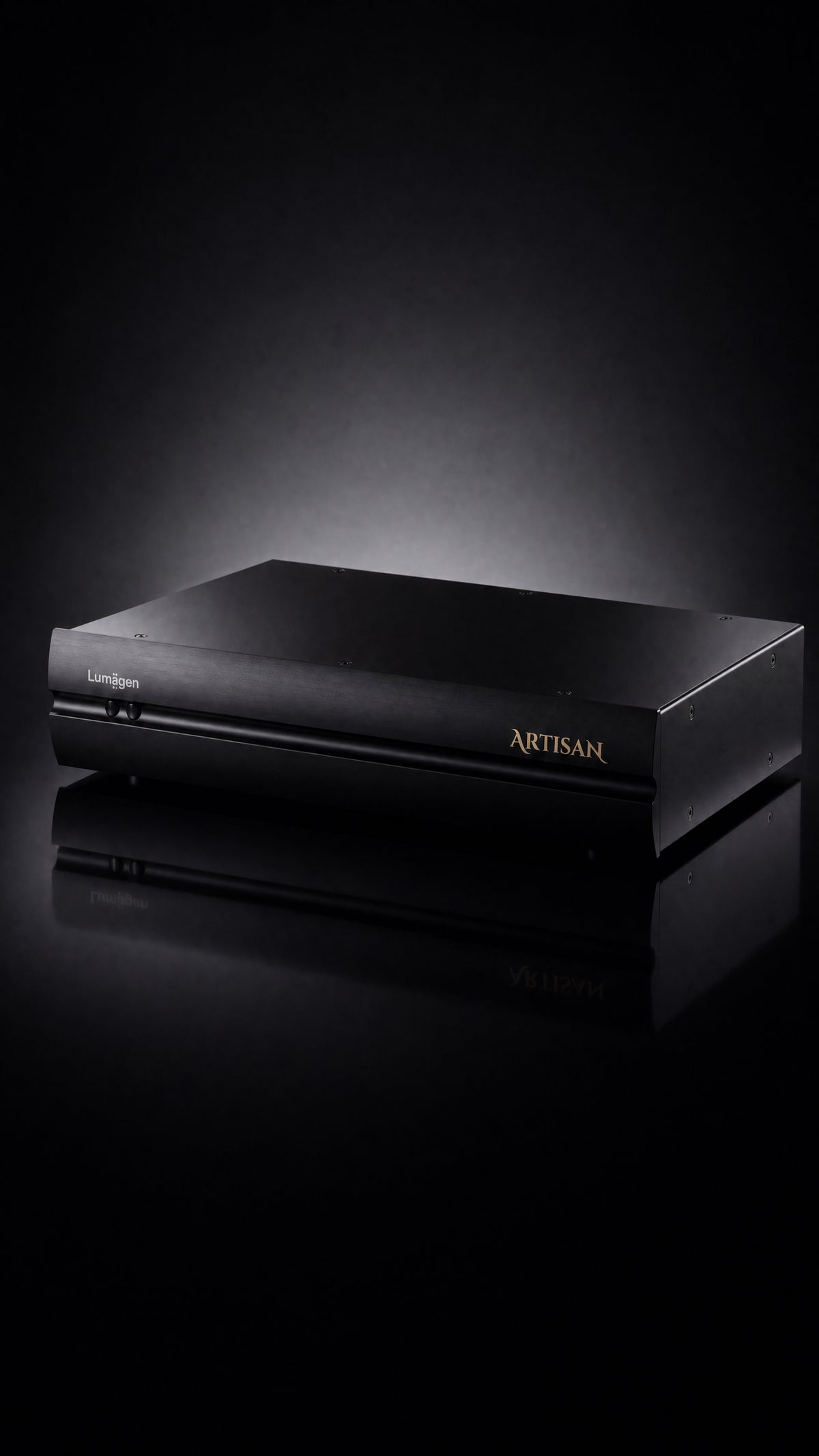
Lumagen ArtisaN home theater video processor
ArtisaN shown · Video processing, setup & system integration

Two platforms. One carefully planned picture.

Choose the processor around your sources, display, screen format, and HDMI signal path. We’ll help compare the platforms and confirm the exact configuration, software options, and current availability for your theater.

Radiance Pro

Configurable 4K video processing

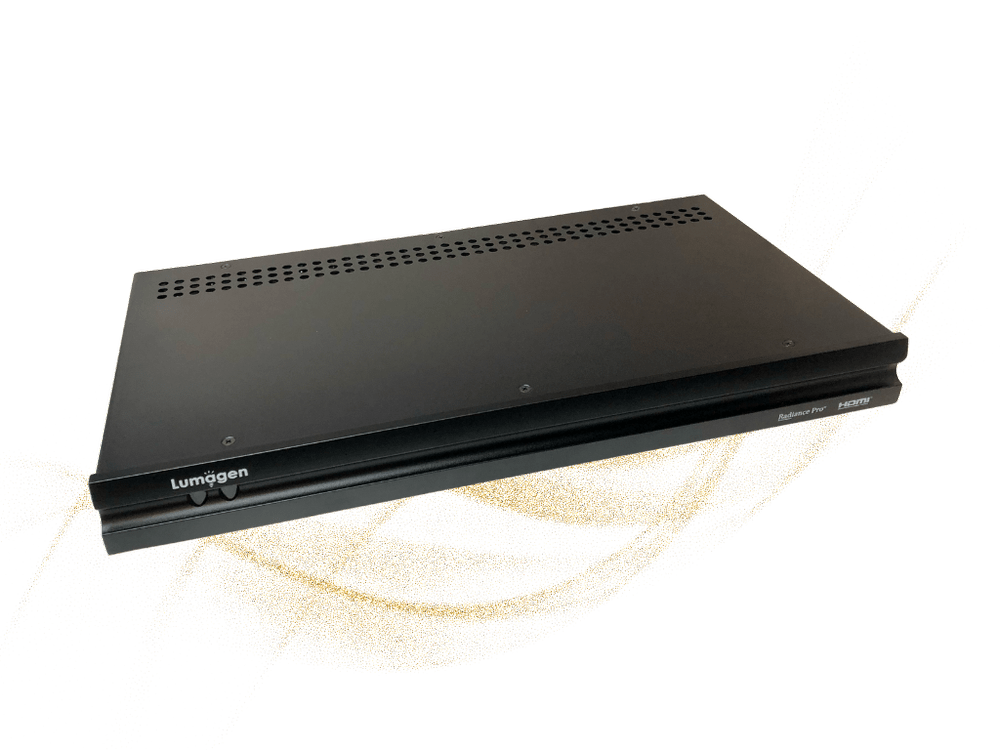
Radiance Pro

A configurable platform for 4K60 video systems, with HDR dynamic tone mapping, NoRing scaling, calibration tools, and screen-format control. Different HDMI input and output configurations allow it to fit a range of theater signal paths.

We’ll specify the exact model, port bandwidth, audio routing, and output needs. Radiance Pro 5348 shown; configurations vary.

Discuss this platform ↗
ArtisaN

Expanded platform · Upgrade options

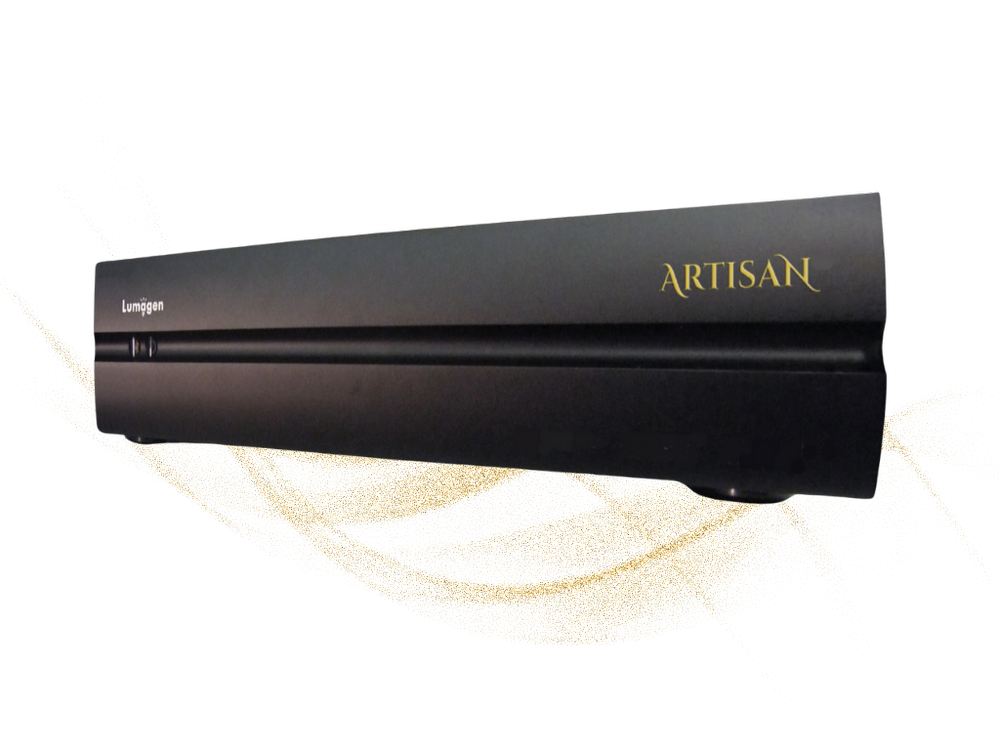
ArtisaN

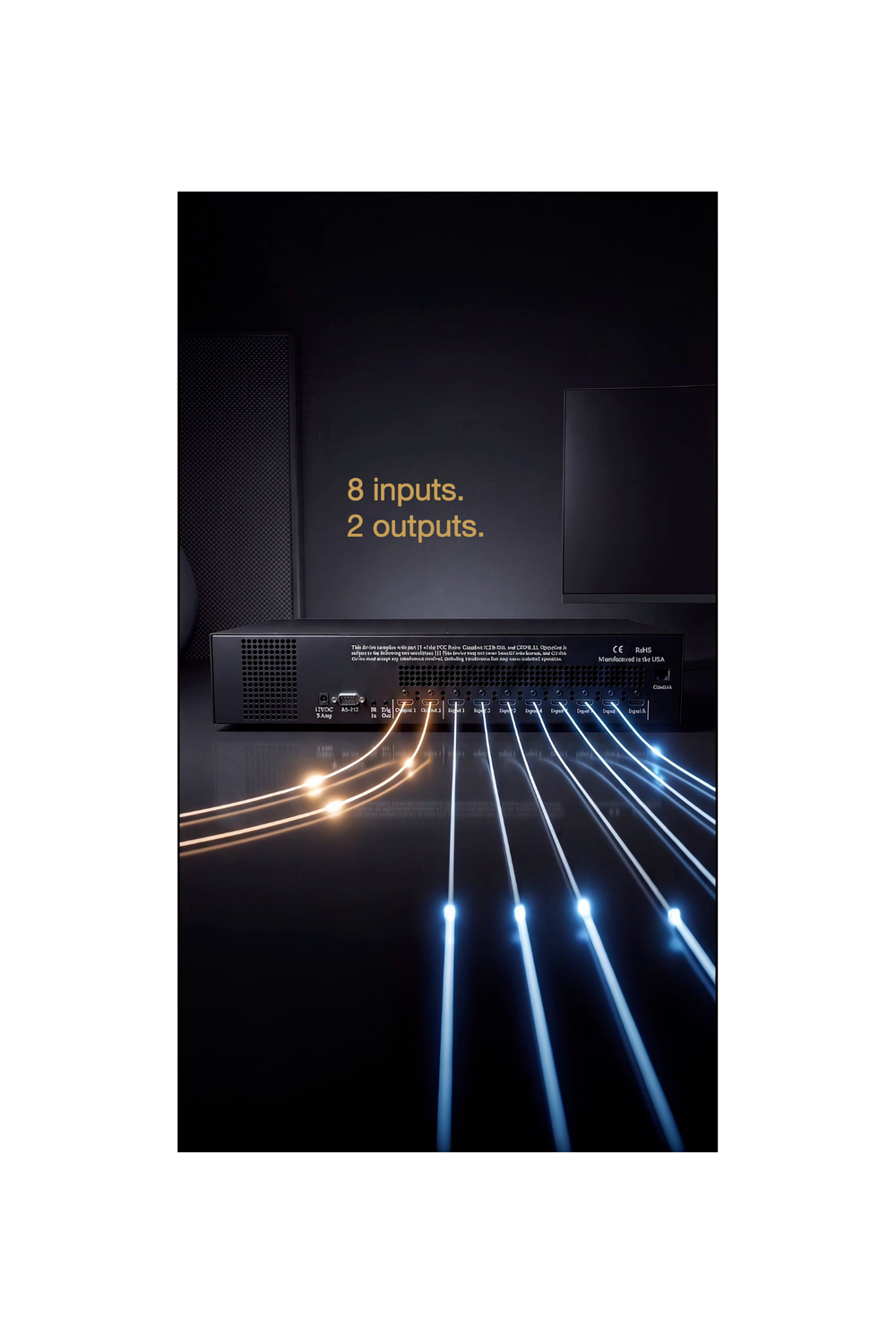
ArtisaN adds a 12-bit 4:4:4 processing pipeline, eight HDMI inputs, two outputs, and IP control. Its base specification supports 4K60, with separately specified HDMI 2.1, 8K, and 4K120 upgrade options.

“8K Ready” is not the same as every feature being enabled. We’ll confirm the selected software keys, processing versus passthrough capability, current release status, and availability.

Discuss this platform ↗
Lumagen ArtisaN HDMI inputs, outputs, and control connections

The screen is only the beginning

A picture tuned
to your theater.

A video processor needs to be configured for the display it feeds. Screen size and gain, projector light output, room conditions, sources, and viewing preferences all guide the setup. We’ll define the processing and calibration your system needs.

HDR tone mapping

Adapt HDR content to the brightness and capabilities of the display. We’ll configure tone mapping around the measured system rather than relying on a generic preset.

Scaling & source handling

Plan how different source resolutions reach the display. Review the player’s output settings, processor scaling, and display settings as one signal path.

Screen format & masking

Coordinate image sizing, aspect ratios, masking, and any anamorphic lens. The screen geometry and control system need to be considered together.

Calibration & integration

Define the required grayscale and color calibration, HDMI routing, lip-sync checks, and control integration. Confirm which device handles each task before setup begins.

Audio Exchange · Richmond

From the signal path to the final scene.

  1. Start with the complete system

    Share the projector or display, screen size and format, sources, AV electronics, and control system. Let us know what you would like to improve.

  2. Specify the signal path

    Choose the platform, HDMI input and output configuration, and any software options. We’ll confirm compatibility, current availability, and a tailored quote.

  3. Plan setup & calibration

    Agree on installation, configuration, measurement, and final checks. The project scope should include source switching, picture presets, aspect handling, and audio/video timing.

Explore home theater design & installation ↗

Before you choose.

What does a Lumagen video processor do?

It sits in the video signal path between your sources and display, providing tools for tone mapping, scaling, calibration, and image sizing. The configuration should suit the display, screen, room, and source material. We’ll help determine where it belongs in your system.

Does it replace my AV processor or receiver?

No. Lumagen handles video processing and HDMI routing; your receiver or AV processor still handles surround decoding and audio system duties. Depending on the model and connections, the video processor may be placed before or after the AV electronics. We’ll map both picture and sound paths.

Will it help with HDR on my projector?

HDR tone mapping can be useful when adapting source material to a projector’s light output and your screen. The result depends on the projector, screen size and gain, room, and setup. We’ll assess those factors and explain where an external processor may benefit your system.

Do all Lumagen models support 8K and 4K120?

No. Radiance Pro is specified for HDMI 2.0 4K60. ArtisaN’s base specification also supports 4K60, with software-key upgrade options for HDMI 2.1, 8K, and 4K120. Passthrough and processing are separate options. We’ll confirm current software availability and the exact capability of the quoted configuration.

Can Lumagen help with a scope screen or anamorphic lens?

Lumagen offers tools for aspect ratios, image sizing, and masking, with support for anamorphic screen setups. We’ll check the screen geometry, lens, projector settings, source formats, and control requirements before specifying how the system should change between content types.

How do I get pricing or discuss an installation?

Contact Audio Exchange in Richmond with your equipment list and goals. We’ll confirm model and configuration options, software release status, current pricing and availability, any demonstration options, and the installation or calibration services appropriate to your project.

Personal advice. A tailored quote.

Let’s plan your Lumagen setup.

Tell us about your projector or display, screen, sources, and AV processor or receiver. We can help assess an existing theater or plan video processing into a new installation.

Call (804) 282-0438Visit Audio Exchange ↗

6007 Broad Street · Richmond, VA 23230

Contact our showroom for a tailored quote. We’ll confirm the processor, HDMI configuration, software keys, current feature availability, firmware, and installation or calibration scope before you order.