
← All brands

Premium television, projection & AV · Richmond, Virginia

Contact showroom

Sony.
See the picture.
Feel the theater.

Bring Sony’s premium picture and sound into your home. Explore BRAVIA True RGB TVs, native 4K laser projectors, and home theater audio, with advice and installation from Audio Exchange.

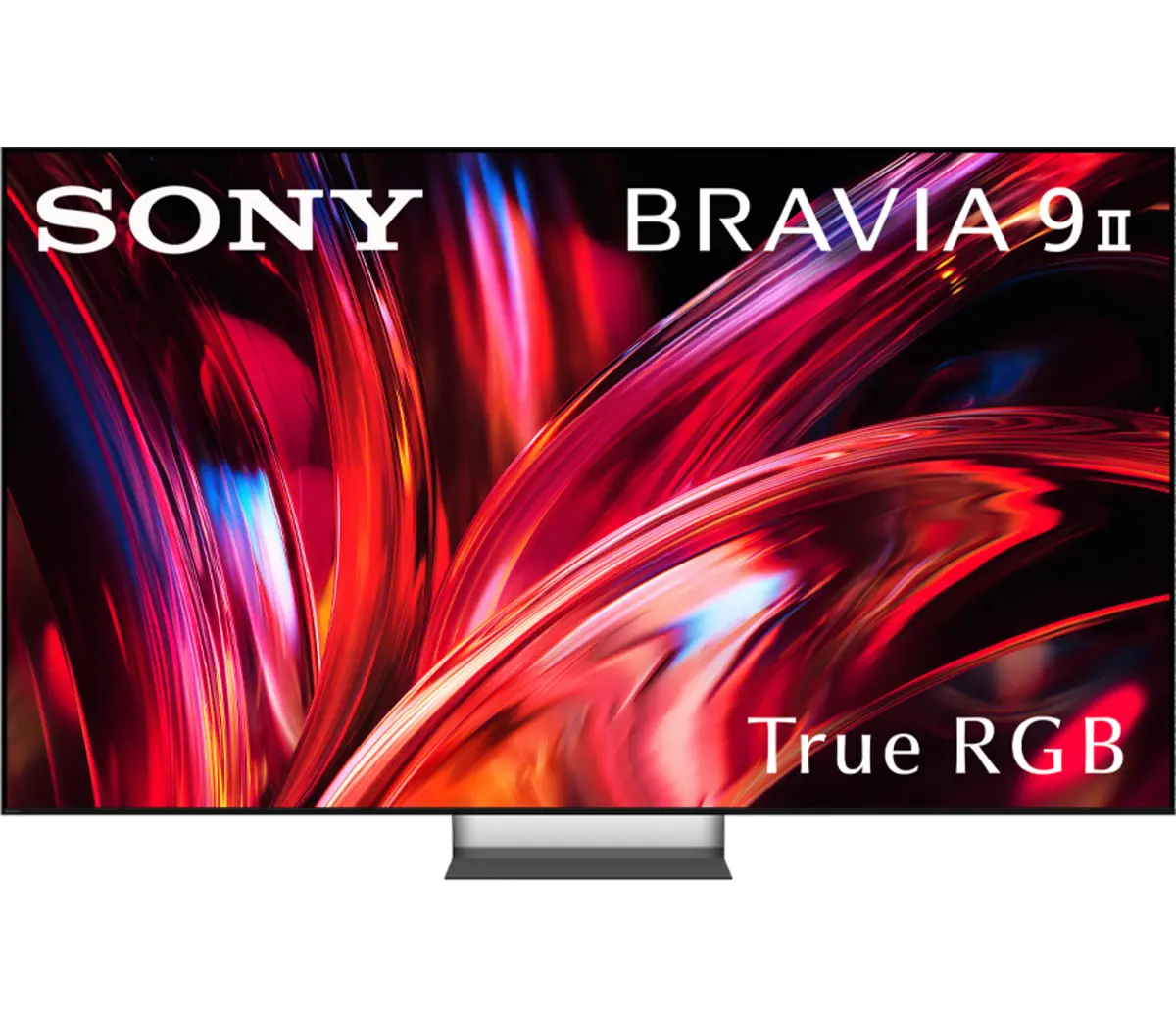
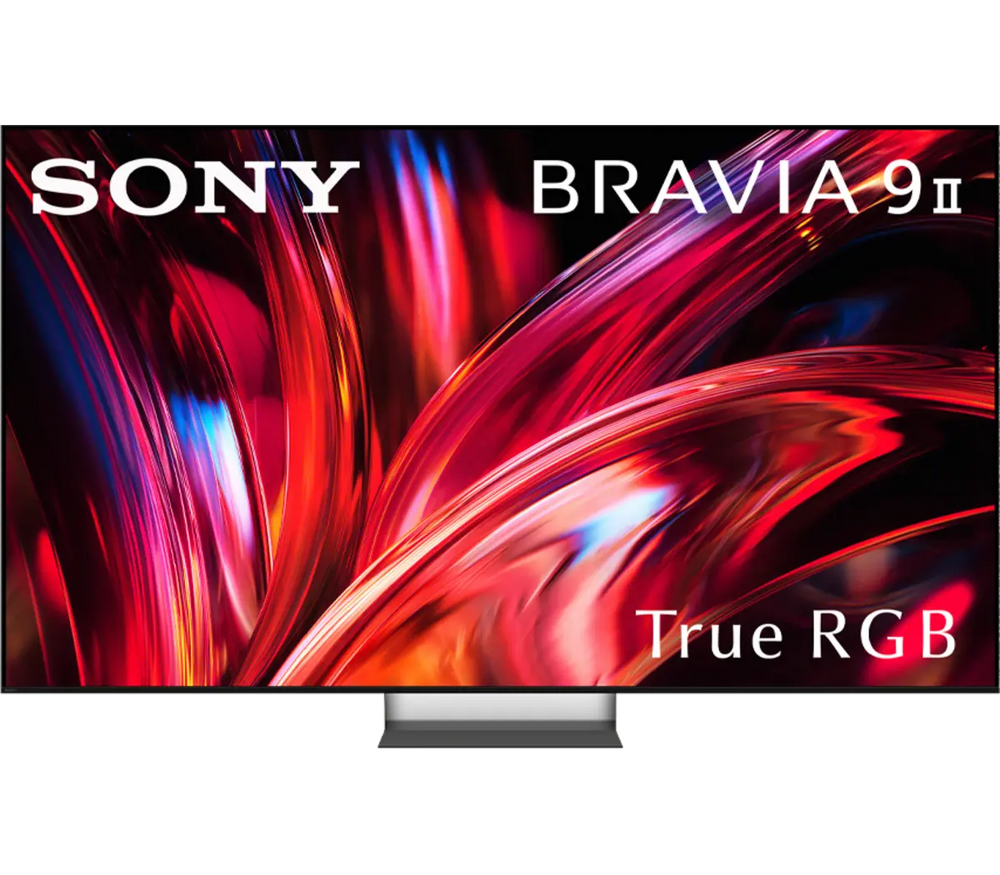
Sony BRAVIA 9 II True RGB television
BRAVIA 9 II shown · Premium picture, planned around your home

True RGB. A new way to light the picture.

Sony’s BRAVIA 9 II and BRAVIA 7 II use independently controlled red, green, and blue LEDs behind an LCD panel. The benefit is a wider palette of bright, saturated color. We’ll help compare screen sizes, reflections, seating angles, and sound options in the context of your room.

BRAVIA 9 II

Flagship True RGB · 65, 75, 85 & 115-inch classes

BRAVIA 9 II

The flagship combines independently controlled RGB backlighting with Sony’s XR processing, anti-glare treatment, and X-Wide Angle Pro. Consider it for a premium living room where brightness, rich color, and a broad seating area all matter.

We’ll assess glare, seating distance, wall structure, access, and audio placement. Large screens need careful delivery and mounting plans.

Discuss this option ↗
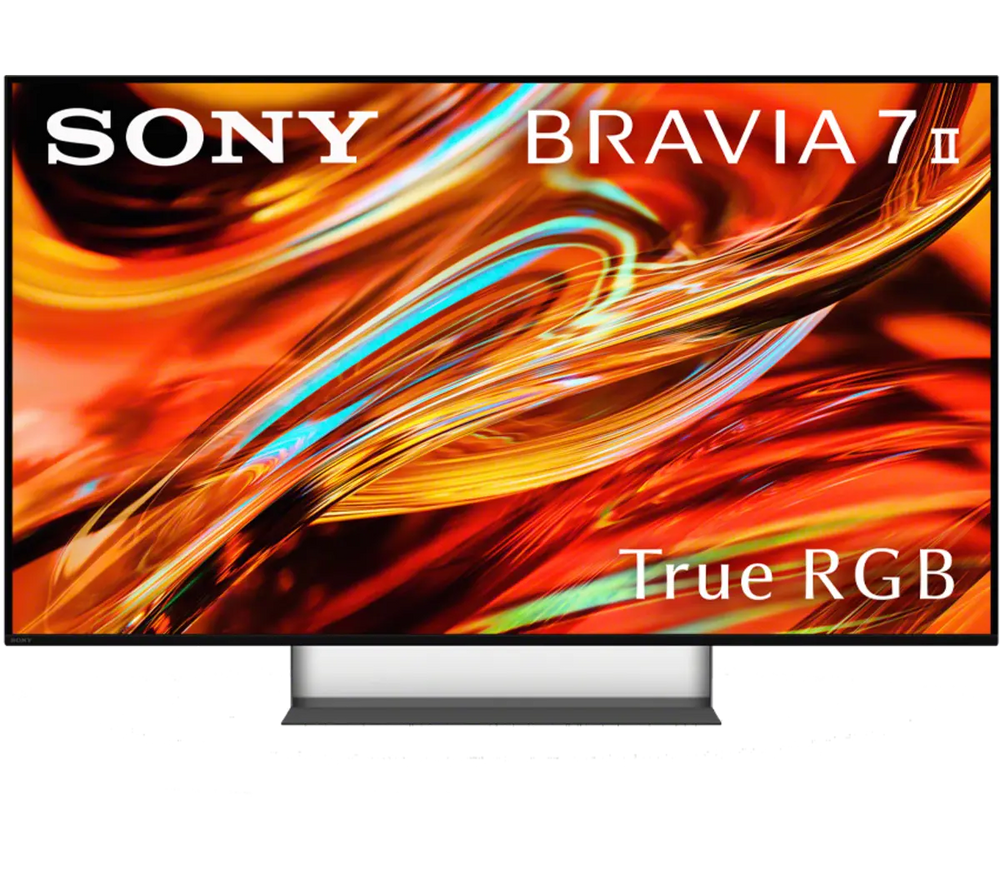
BRAVIA 7 II

True RGB · 50, 55, 65, 75, 85 & 98-inch classes

BRAVIA 7 II

A broader choice of sizes brings Sony’s independently driven RGB LEDs to more rooms. Compare it with the flagship around your screen size, lighting, and performance priorities.

Both featured TV families are 4K LCD televisions with RGB LED backlights. We’ll confirm size-specific features and current availability.

Discuss this option ↗

A cinema-sized picture. Native 4K.

Sony’s BRAVIA Projector 7, 8, and 9 use native 4K SXRD panels, a laser light source, and XR processing for projection. These are a separate technology from True RGB TVs. Screen material, room lighting, and lens-to-screen distance shape the result as much as the model.

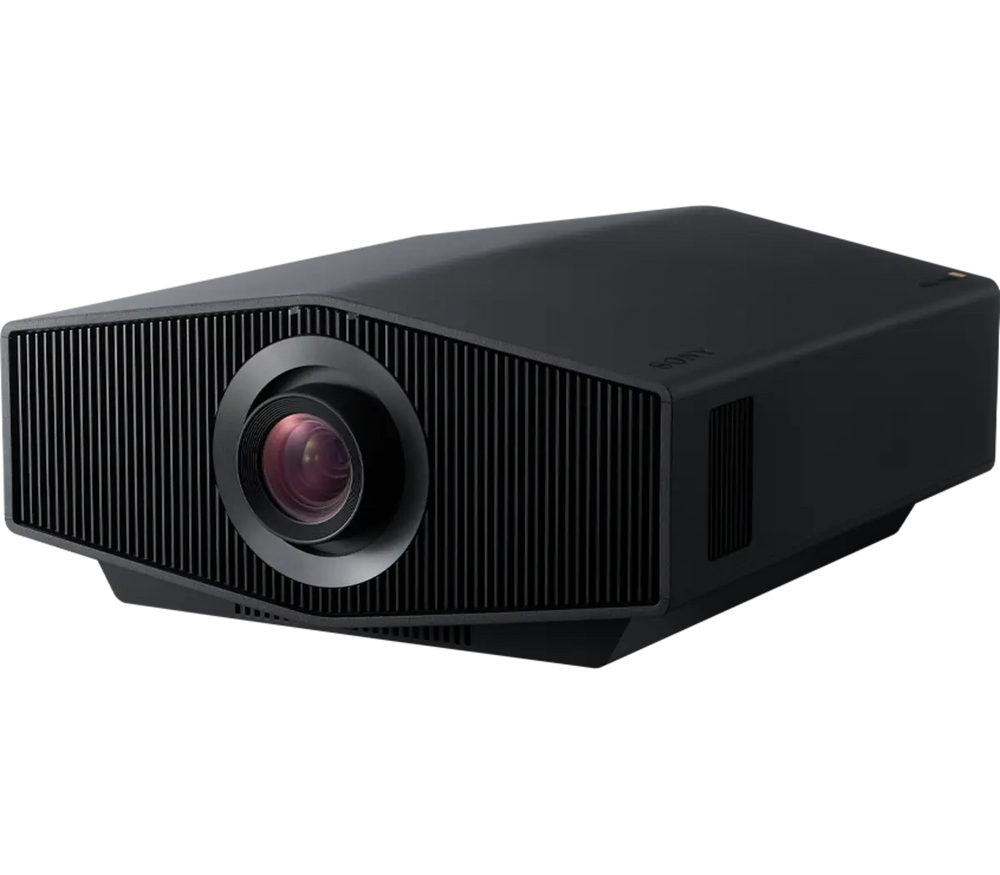
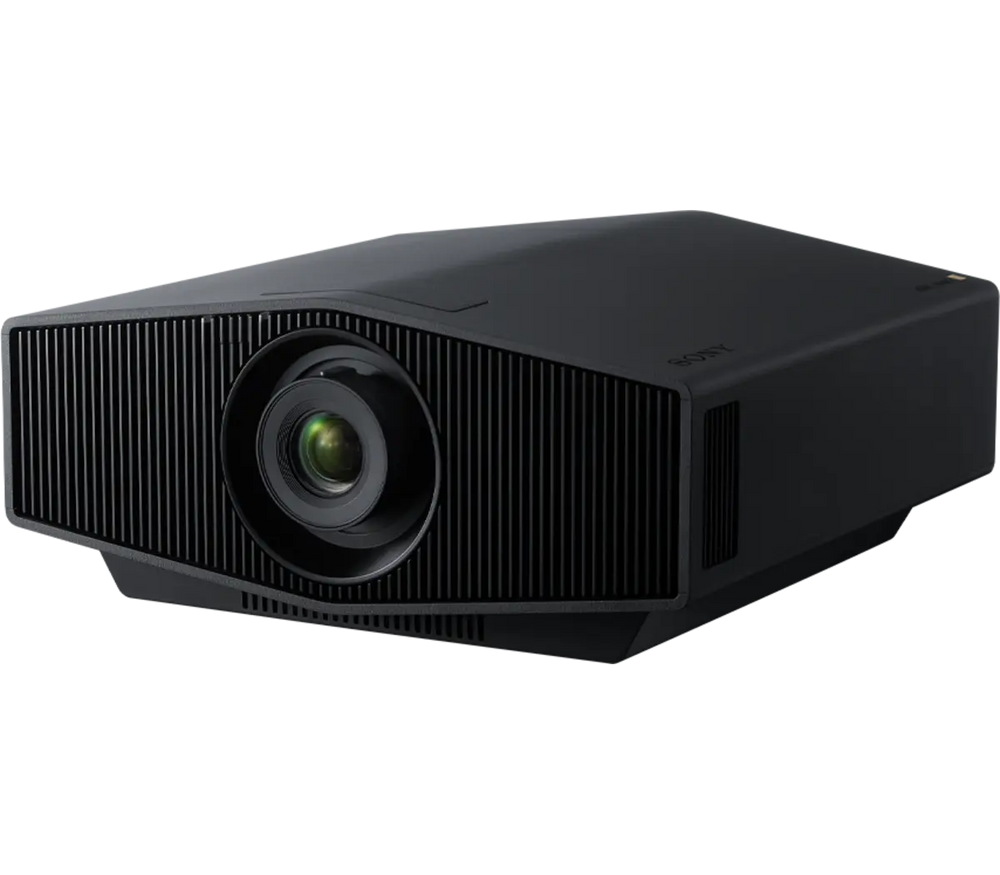
BRAVIA Projector 7 · VPL-XW5100ES

Native 4K SXRD · Up to 2,200 lumens

BRAVIA Projector 7 · VPL-XW5100ES

A compact laser projector with native 3840 × 2160 SXRD imaging and XR processing, including dynamic HDR tone mapping. A starting point for a carefully planned cinema room.

Confirm throw distance, screen size, and manual lens adjustment access before choosing the mounting position.

Discuss this option ↗
BRAVIA Projector 8 & 9

VPL-XW6100ES · VPL-XW8100ES

BRAVIA Projector 8 & 9

Projector 8 offers up to 2,700 lumens; Projector 9 raises rated output to 3,400 lumens. Both pair native 4K SXRD panels with XR processing, motorized lens adjustment, and lens memories.

Consider these tiers when the screen, installation flexibility, or HDR goals call for more. Projector 9 shown; actual output depends on settings and operating conditions.

Discuss this option ↗

Give the picture a sound system.

Choose separate speakers and an ES receiver for a tailored theater, or explore BRAVIA Theater audio for a more compact living-room system. We’ll coordinate the signal path, speaker layout, and control with your display.

Sony ES AV receivers

Separate speakers. A theater built around you.

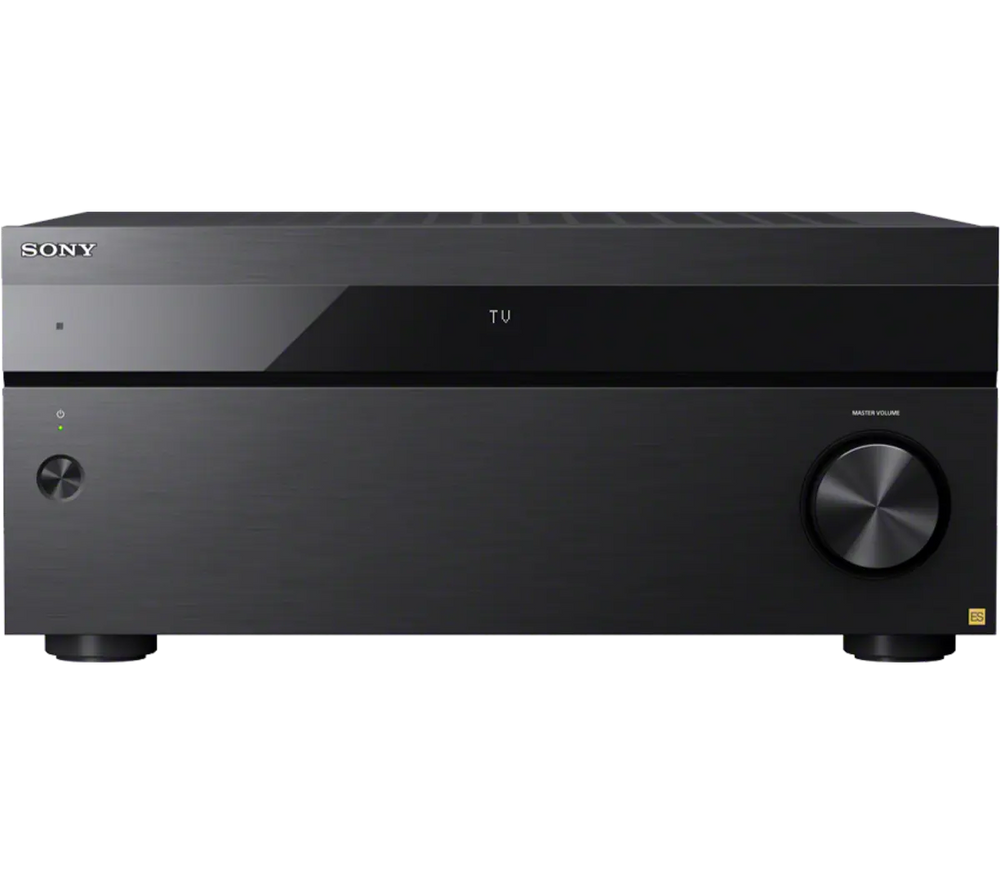
Sony ES AV receivers

The ES range spans STR-AZ1000ES (7.2 channels), AZ3000ES (9.2), AZ5000ES (11.2), and AZ7000ES (13.2). Dolby Atmos, DTS:X, and Sony room-calibration tools support an immersive speaker system.

We’ll choose channel capacity, speakers, subwoofers, HDMI connections, and ventilation together. STR-AZ7000ES shown; connections and capabilities vary by model.

Discuss this option ↗
BRAVIA Theater audio

Living-room surround with a simpler footprint

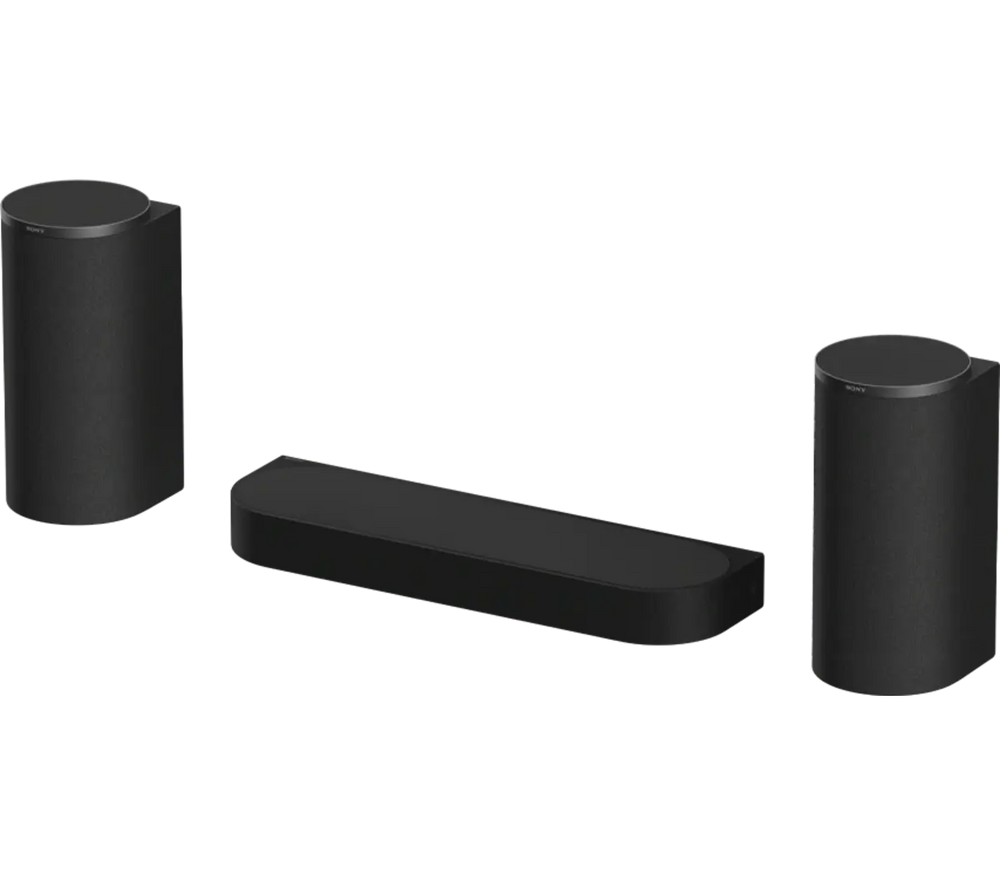
BRAVIA Theater audio

Explore Sony’s BRAVIA Theater options, including the three-unit HT-A8 Theater Trio, for a system that fits comfortably around a premium TV. Compatible optional subwoofers and rear speakers can expand the experience.

We’ll confirm the exact speaker combination, feature requirements, power outlets, and TV compatibility. Wireless audio connections still require power. HT-A8 shown.

Discuss this option ↗
Sony STR-AZ7000ES receiver for a complete home theater installation

A projector is part of a room

One system.
Planned as a whole.

The best choice starts with how you use the room. We’ll coordinate the display, sound, mounting, connections, and control so movies, sports, music, and gaming work together.

Screen size & room light

Choose a TV around viewing distance, reflections, and seating width. For projection, screen gain, light control, and usable image size are essential.

Mounting & lens fit

Check wall structure, access routes, viewing height, and furniture clearance. A projector needs measured throw distance, lens shift, ventilation, and service access.

HDMI, sources & gaming

Plan streaming, consoles, and disc playback through the complete HDMI path. High-frame-rate gaming, eARC, and HDR require compatible ports, settings, and cabling throughout.

Speakers, calibration & control

Build the sound around seating and room use. Coordinate speaker placement, bass, calibration, and everyday controls rather than relying on a specification alone.

Audio Exchange · Richmond

From the first conversation to the final setup.

  1. Start with your room

    Share dimensions, photos, seating positions, and existing equipment.

  2. Choose the right combination

    Compare display and audio options, then confirm a quote and installation scope.

  3. Install, configure & explain

    Coordinate mounting, connections, picture and sound settings, and an everyday-use walkthrough.

Explore home theater design & installation ↗

Before you choose.

Is True RGB the same as OLED or a projector?

No. The featured True RGB TVs use red, green, and blue LED backlighting behind an LCD panel. Sony’s BRAVIA projectors use native 4K SXRD imaging with a laser light source. We’ll help choose the right approach for the room.

Should I choose a large TV or a projector?

Room light, desired image size, seating, mounting options, and budget determine the answer. A TV can suit everyday viewing in a brighter living room; projection rewards careful screen and room planning.

Can you help with Blu-ray and other AV sources?

Yes. Tell us about your disc collection, streaming players, consoles, and music sources. We can assess Sony disc-player options and compatibility with your display and receiver, subject to current availability.

Do the TVs and projectors have identical HDR features?

No. The featured RGB TVs support Dolby Vision, HDR10, and HLG. The featured SXRD projectors support HDR10 and HLG with projector-specific HDR processing. We’ll check the exact source, display, and AV chain.

Can I buy Sony online here?

For now, contact the showroom for Sony pricing, availability, and system advice. We’ll confirm what can be supplied and installed for your project.

Can I see a particular model before ordering?

Contact Audio Exchange to confirm current demonstration options. Availability of a specific model or screen size is confirmed with your quote.

Personal advice. A tailored quote.

Let’s plan your Sony system.

Tell us whether you are considering a TV, projector, AV receiver, or a complete room. Share what you already own and what you would like the system to do.

Call (804) 282-0438Visit Audio Exchange ↗

6007 Broad Street · Richmond, VA 23230

Contact the showroom for current pricing, availability, and installation options. We’ll confirm the exact model, size, compatibility, and scope before you order.